What Is a POS System and How Does It Work
What is a POS system? Hardware, software, costs and types explained with a clear verdict. Learn which fits your store today.
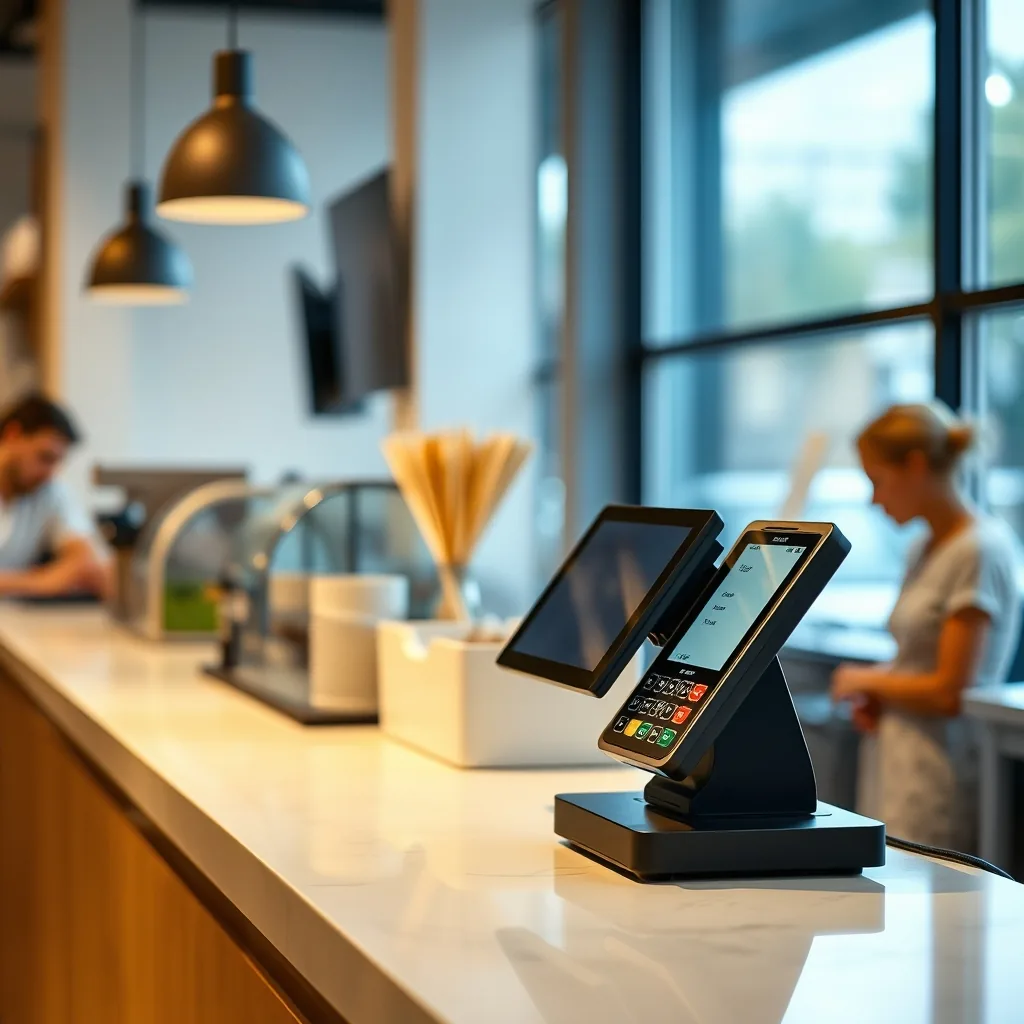
Table of Contents
A POS system is hardware and software that processes sales, accepts payments, and manages inventory for small businesses in one place. When entrepreneurs ask what is a pos system, they are often looking for a way to move beyond a simple cash box and into a digitized environment that tracks every dollar and item sold. Understanding how these tools function is a core part of an effective business plan outline, as it dictates how you will collect revenue and manage daily operations.
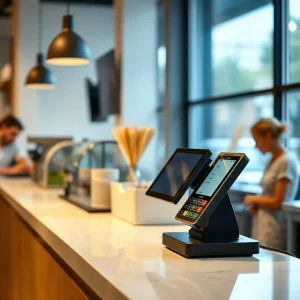
In the modern retail landscape, the point of sale has evolved from a bulky terminal into a sleek, cloud-connected hub. It serves as the central nervous system of a storefront. Retailers asking what is a POS system should picture this hub linking the physical checkout counter to the digital back-office.
A century ago the brass cash register ruled every counter. Then barcodes, cards, and the cloud turned that bell-ringing box into software. Anyone asking what is a POS system today is really asking how far the humble till has evolved.
Small-business operator writing from hands-on checkout tests across retail and food stalls. Card fees keep creeping up, which is why owners auditing what is a POS system fine print save more than bargain hunters. This experience highlights that the right setup does more than just swipe cards; it provides the data needed to scale a company effectively.
How a POS Transaction Works in 7 Steps
The journey from a customer picking up an item to the funds hitting your bank account follows a standardized technical path. First, the buyer selects products, and the merchant scans the barcodes using a laser scanner or selects items on a touchscreen. Second, the software calculates the total price, including any applicable local sales taxes. Third, the customer provides payment, typically through a credit card, mobile wallet, or cash.
Fourth, the payment gateway securely transmits the transaction details to the processor. Fifth, the banking network approves or declines the sale based on available funds.
Sixth, the software updates the inventory database in real-time, subtracting the sold items from the stock count. Finally, the terminal generates a digital or paper receipt, concluding the sale. Following PCI DSS merchant guidance ensures that every one of these steps remains encrypted and safe from data breaches.
What Is a POS System: Cloud vs Mobile vs Countertop vs Kiosk
Choosing the right architecture depends on your specific business model. Cloud-based platforms are currently the industry standard, storing all transaction data on remote servers so owners can check sales figures from a smartphone anywhere in the world. Mobile setups utilize tablets or handheld devices, making them perfect for food trucks or boutiques where floor space is at a premium. Countertop kits suit fixed high-volume counters but never move. Kiosks cut queues yet need cleaning and maintenance budgets. Rugged handhelds survive kitchens and workshops. Match the form factor to foot traffic, since what is a POS system for a multi-lane store differs from a weekend pop-up.
These mobile units often integrate with trust badges on your digital storefront to ensure a seamless omnichannel experience.
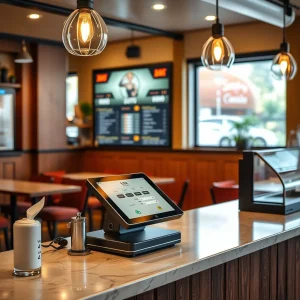
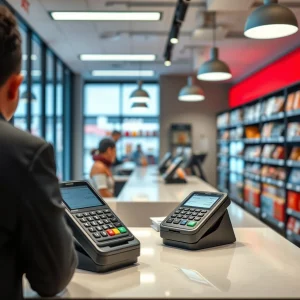
Countertop terminals are the traditional heavy-duty stations found in grocery stores, usually featuring integrated receipt printers and cash drawers. Kiosks, on the other hand, allow for self-service, reducing labor costs in fast-casual dining or high-traffic ticketing environments. Each type serves a unique purpose, but they all share the same goal: making the checkout process as frictionless as possible for the end consumer.
Real Costs: Software Plus Processing Plus Hardware
When owners ask what is a POS system really going to cost, the honest answer is that software is the smallest line item.
When calculating the investment required for a new setup, you must look beyond the sticker price. Most vendors charge a monthly subscription fee for the software, which can range from free to several hundred dollars depending on the features. However, the largest long-term expense is the payment processing fee, usually a percentage of every sale plus a flat cent-per-transaction charge. Hardware costs are often a one-time purchase, though some companies offer lease-to-own models that can be more expensive over time.
Buying hardware outright usually wins within two years for fixed counters. Leasing makes sense for seasonal pop-ups that trade six weekends a year. Whatever route fits, confirm what is a POS system hardware compatibility before paying, since locked devices trap buyers.
Independent total-cost-of-ownership table (Square/Toast/Shopify/Clover at 3 volumes) plus contract-trap checklist no vendor guide publishes. To help you decide, consider this comparison of popular providers based on monthly transaction volume:
How to Choose in 5 Steps
Selecting the right setup requires a methodical approach to ensure the technology scales with your growth. Budgeting involves more than the sticker price; account for processing fees and monthly subscriptions. Follow these steps to find your ideal match.
Step 1: Define Your Primary Sales Channel
Retailers need robust barcode scanning and return management, while restaurants require kitchen display integrations. Determining your inventory needs helps narrow the field between generic tablets and specialized terminals.
Step 2: Assess Hardware Compatibility
Selecting the right hardware means deciding between mobile handhelds or stationary counters. Modern merchants often prefer iPad-based setups for their sleek look and portability, but heavy-duty environments might require spill-resistant touchscreens.
Step 3: Evaluate Software Features
Look for automation in reporting and employee management. A high-quality setup should provide deep insights into your most profitable hours and top-selling items without requiring manual spreadsheet exports. Small-business operator writing from hands-on checkout tests across retail and food stalls.
Step 4: Check Integration Capabilities
Your sales data should flow into your accounting software and marketing tools. For example, if you sell online, you should
Step 5: Test Customer Support
Ongoing support for what is a pos system is critical. If your terminal goes down during a Saturday rush, you need 24/7 access to a human technician. Before signing any contract, call the help desk to see how quickly they respond.
Step 6: Trial It During a Rush
Run a lunch rush on trial hardware and watch where taps fail. A what is a POS system trial that skips the rush hides exactly the flaws you will pay for later.
Step 7: Rehearse Returns and Exchanges
Refunds test a system harder than sales do. Run a return, a partial refund, and an exchange on the trial unit. If staff need a manual to refund, the answer to what is a POS system ease-of-use is not this one.
| Provider | Low Volume ($5k) | Mid Volume ($20k) | High Volume ($50k+) |
|---|---|---|---|
| Square | $130 + 2.6% | $520 + 2.6% | $1,300 + 2.6% |
| Toast | $0 + 2.99% | $600 + 2.99% | Custom Quote |
| Shopify | $39/mo + 2.7% | $139/mo + 2.5% | $2,000/mo + 2.4% |
| Clover | $14.95/mo + 2.6% | $44.95/mo + 2.3% | $94.95/mo + 2.3% |
Worked example: a $20k/month shop on 2.6% pays about $520 in processing, dwarfing a $69 software fee. Veterans comparing what is a POS system total cost start with volume, not subscriptions. Run your own numbers from last quarter statements before booking demos.
Illustrative figures compiled from public rate cards; verify current rates before signing.
Mistakes to Avoid
The costliest error is shopping for what is a POS system by monthly fee alone while ignoring processing percentages and contract length.
Many entrepreneurs rush into a purchase without realizing the long-term implications of their choice. Mistaking what is a pos system for a simple calculator is a common error that leads to messy books and lost revenue. One major pitfall is ignoring the fine print regarding payment processing exclusivity. Some vendors offer free hardware but lock you into high transaction rates that eat your margins.
Another error is failing to plan for security compliance. Every merchant must adhere to
Independent total-cost-of-ownership table (Square/Toast/Shopify/Clover at 3 volumes) plus contract-trap checklist no vendor guide publishes. Strike out these traps before signing. Shoppers asking what is a POS system rarely think about outages until the store Wi-Fi drops, so test offline mode first:
- Proprietary hardware locks.
- Liquidated damages for early exit.
- Hidden monthly minimums.
- Automatic long-term renewals.
- Skipping the free trial period.
- Ignoring data export fees on exit.
Verdict
Knowing what is a pos system ensures you invest in a tool that drives efficiency rather than just another expense. For most small shops, a cloud-based tablet solution offers the best balance of cost and functionality. Deciding what is a pos system is a major step toward professionalizing your brand and securing your financial future. Choose a provider that offers transparent pricing and scalable features to ensure your checkout process remains a strength, not a bottleneck.
Final Verdict: Which POS System Fits Your Store
Shortlist first: food trucks and market stalls run fine on mobile readers, while multi-lane retail needs countertop kits with barcode scanners. Restaurants should weight kitchen display and tip handling over raw processing rates. Once you know what is a POS system able to do for your floor plan, compare the 10 best POS systems for small businesses side by side before signing anything.
Salons need appointments plus deposits, while grocers need weighed-item support and age checks. Write your three must-haves down, then verify each against what is a POS system demos actually show rather than brochures. The right what is a POS system fit feels boring on day one and invisible by month three.
Train two staff members fully, not just the manager. Morning rushes expose every confusing screen, so drill refunds and discounts before launch week. A team that trusts what is a POS system in front of them serves faster and steals less through error.
So, what is a POS system for your store? A modern checkout platform is no longer a luxury; it is the register, the stockroom ledger, and the customer Rolodex in one login.
Owners asking what is a POS system usually discover the real cost is processing, not software. It is a fundamental requirement for any serious merchant. By automating the math, tracking every individual item, and securing customer data, these tools allow you to focus on growth rather than manual bookkeeping.
The best choice is a cloud-based POS system with transparent pricing that scales with your volume. Before signing, confirm what is a POS system included in the quote so add-ons do not surprise you. Once you know what is a POS system capable of, avoid hidden contracts and prioritize ease of use to ensure your business remains competitive and efficient in an increasingly digital economy.
Start with the trial, measure the rush, read the contract twice. The cheapest quote rarely stays cheapest once processing is counted. Pick the setup your staff already understand, because the best what is a POS system answer is the one ringing up sales quietly tomorrow morning.
POS system vs cash register: what is the difference?
A cash register only records sales and stores cash. A POS setup also tracks stock, stores customer details, and produces sales reports in real time.
Can a POS setup work without internet?
Most cloud setups queue card and cash sales offline, then sync when the connection returns. Pure offline mode covers basic ringing up but pauses live stock sync.
What hardware does a small store need first?
Start with a card reader plus a tablet or phone, then add a receipt printer and cash drawer as volume grows. Barcode scanners pay off once catalogs pass a few hundred items.

Santo Ae is a senior business strategist at A Business Owner, with 8+ years helping US SMBs scale via email marketing, financial planning, and AI operations. Method: vendor pricing analysis, campaign benchmarks, and operator interviews. Author of 1,566 business guides since 2022.